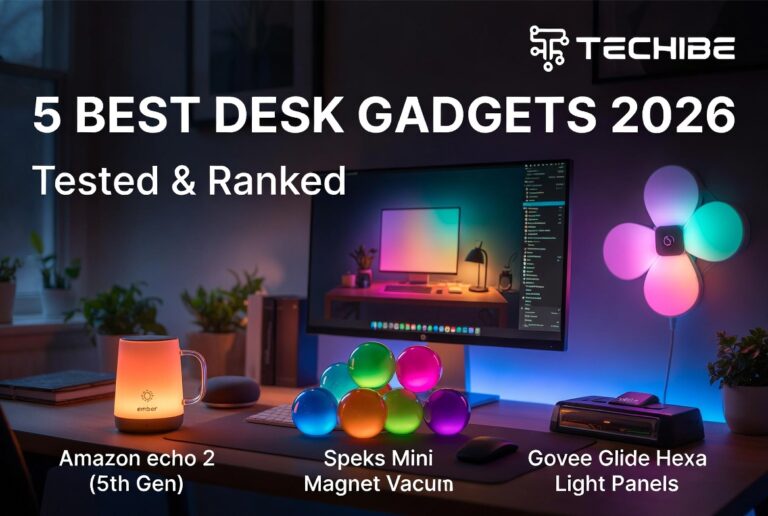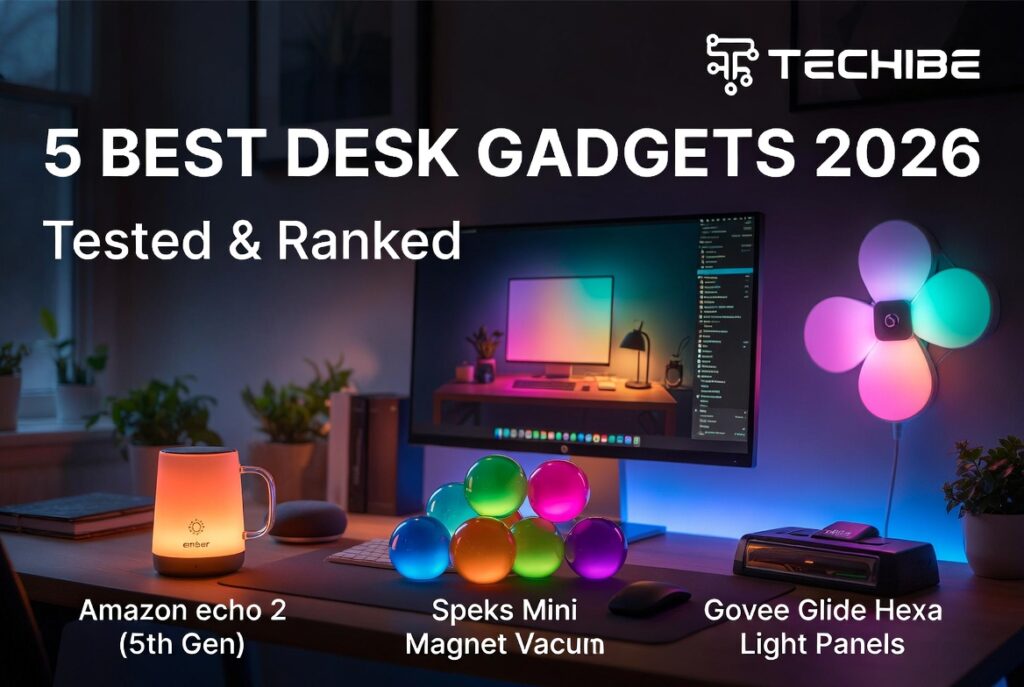
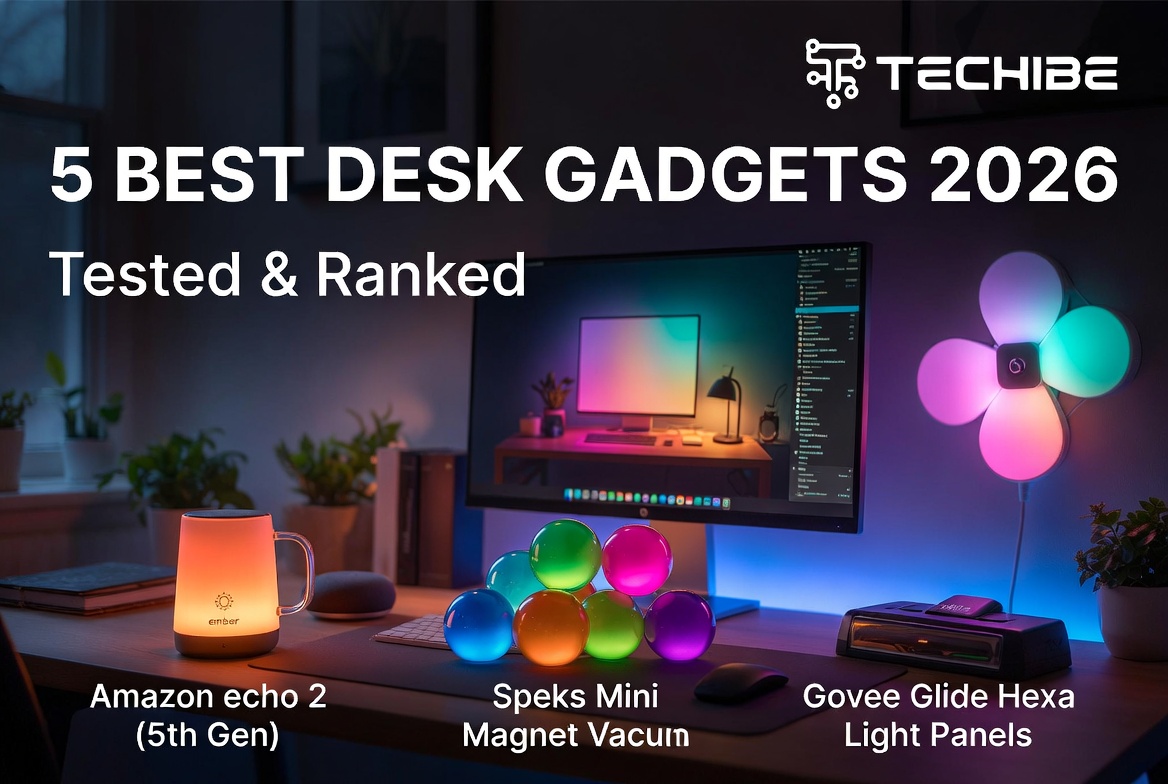
Most desk gadget lists are just Amazon affiliate links dressed up as advice. This one is different. We picked five things that solve real problems and told you which ones are not worth it.
Why Your Desk Setup Matters More Than You Think
Most people spend somewhere between six and ten hours a day at their desks. That is more waking hours than almost any other single location in their life, more than the kitchen, the couch, the car.
And yet most people give their desk almost no thought. A laptop. A charger somewhere under the desk. A coffee mug that has been cold for two hours.
The five gadgets below are not luxuries. They are solutions to specific, repeatable frustrations that add up to a lot of lost time and mental friction across a week. None of them will change your career. Some of them will make the hours you spend at your desk noticeably better, which, across months and years, is nothing.
Here they are, ranked by how much they will actually improve your day.
1. Ember Mug 2 — $150
The problem it solves: You make coffee. You get distracted by a call or a task. You come back to cold coffee. You make more coffee. Repeat.
This sounds trivial until you calculate how many times a week it happens. For most desk workers, it is at least once a day, sometimes twice. The Ember Mug 2 removes it from the equation entirely.
You set a temperature through the Ember app anywhere between 120°F and 145°F, and the mug holds it there. The 10-ounce version maintains temperature for up to 90 minutes on a single charge. The 14-ounce version, slightly newer, offers similar performance in a larger format. When you place it on the included charging coaster, it holds indefinitely.
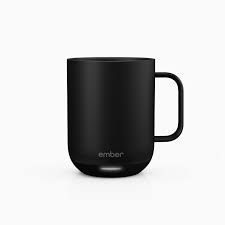
The mug is well-built, genuinely looks good on a desk, and connects to the app reliably. The app is not fancy, but it does not need to be. You set your temperature once and forget it.
The honest take: $150 is real money for a mug. If you drink one coffee a day and it takes you three minutes to microwave it back to drinkable temperature, the Ember saves you roughly 18 minutes a week. Over a year, that is more than 15 hours. Whether that is worth $150 depends entirely on how much you value your time. For most people reading this, it is.
Worth it for: Anyone who drinks hot beverages at their desk regularly. Especially remote workers who make their own drinks rather than walking to an office coffee station.
| Spec | Detail |
|---|---|
| Price | $150 |
| Sizes | 10 oz, 14 oz |
| Battery life | Up to 90 minutes |
| Charging | Included coaster |
| App | iOS and Android |
2. Amazon Echo Dot (5th Gen) — $50
The problem it solves: The small interruptions that break your focus. Checking the time. Adding something to a shopping list. Setting a timer for your next break. Each one takes five seconds but costs you twenty minutes of mental context.
The Echo Dot handles all of those without requiring you to touch your phone or leave your keyboard.
The 5th-generation Echo Dot has noticeably better sound than its predecessors, good enough for ambient music during work, but not good enough for serious listening. It has a built-in temperature and humidity sensor. And it connects to practically everything: Alexa routines, calendar integrations, smart home devices, Spotify, Apple Music.
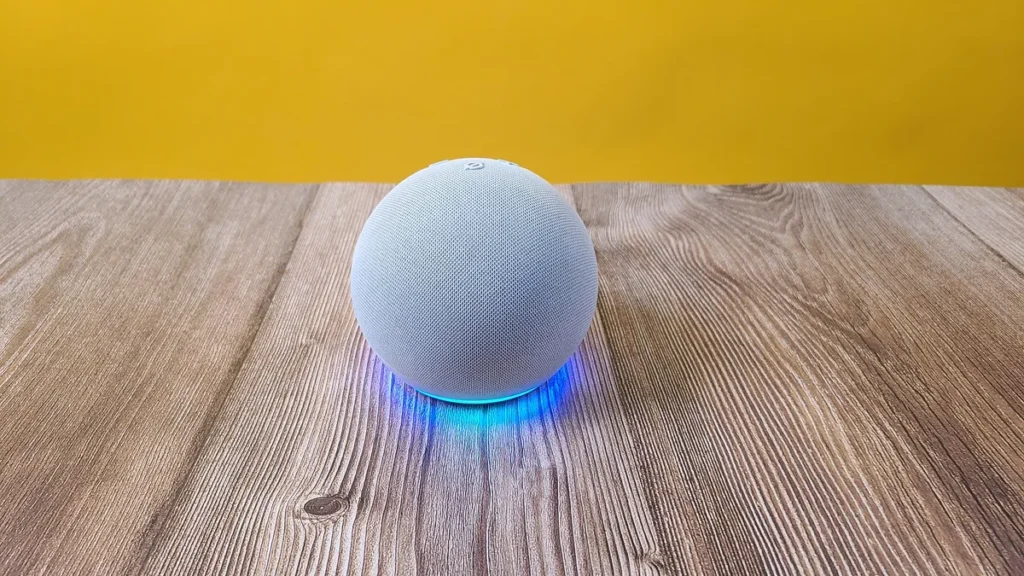
The setup takes under three minutes. After that, you largely forget it is there, which is exactly what a good productivity tool should feel like.
The honest take: The privacy argument against always-on microphones is real and worth considering. Amazon’s Alexa data practices have been scrutinized regularly, and the device does listen for its wake word at all times. If that concerns you, it should. The mute button disables the microphone physically, but you have to remember to re-enable it.
For people already in the Amazon ecosystem, the Echo Dot is close to a no-brainer. For people outside it with Apple HomeKit or Google Home setups, the integration experience is less seamless, and the value proposition weakens.
Worth it for: Remote workers, people who use Alexa routines, anyone with smart home devices.
| Spec | Detail |
|---|---|
| Price | $50 |
| Smart features | Temperature/humidity sensor, Eero Wi-Fi extender |
| Sound | Improved over previous gens — casual music only |
| Privacy | Physical mute button available |
| Ecosystem | Best with Amazon/Alexa setup |
3. Govee Glide Hexa Light Panels — $189.99
The problem it solves: A workspace that feels clinical, flat, and cheerless by 3 pm.
This one is the most subjective on the list. Whether ambient lighting improves your productivity depends on you. For some people, working in a dimly lit room with intentional accent lighting genuinely reduces eye strain and improves mood over the course of a long day. For others, it is decoration.
The Govee Hexa panels are hexagon-shaped LED lights that mount on the wall behind your monitor. They connect to the Govee app, which lets you set colors, effects, and schedules. You can sync them to music. You can set a calm blue during focus hours and switch to something warmer in the evening.
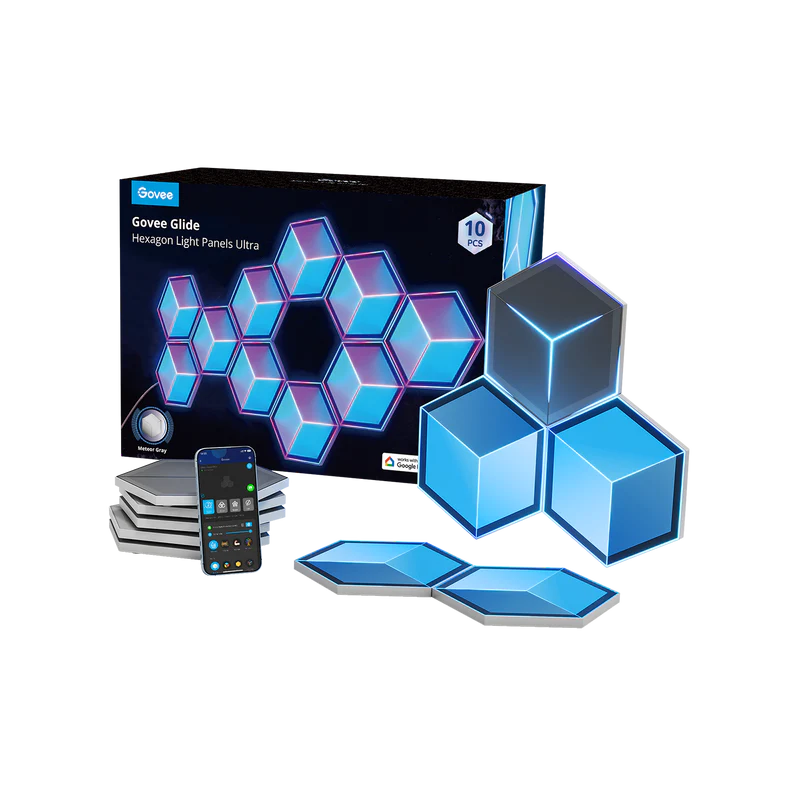
The setup is straightforward. The panels adhere to the wall with included tape strong enough to hold, weak enough to remove cleanly if you move. They draw power from a single cable that routes to a control unit.
The honest take: $189.99 is the most expensive option on this list for a product that is, at its core, decorative. The lighting genuinely does make a desk setup feel more intentional. If you use video calls, it noticeably improves your background. But if your desk is already well-lit and your work does not involve a camera, the case for spending $190 on wall panels is harder to make.
The Govee app has more features than most people will ever use. The color accuracy is good. The tap-to-tap connectivity between panels is reliable. This is a well-made product, just one that belongs on a shorter list of people who will actually benefit from it.
Worth it for: Content creators, streamers, anyone on frequent video calls, people who work in dim rooms and want ambient light po0a’
4. Odistar Desktop Vacuum Cleaner — $13
The problem it solves: The slow accumulation of crumbs, dust, and debris that makes a keyboard feel grimy by Thursday.
This is the most unsexy item on the list and possibly the most practically useful per dollar spent.
The Odistar desktop vacuum is small enough to sit in a desk drawer. It runs on two AA batteries. It has a rotating brush head that works well between keyboard keys better than canned air, which tends to redistribute debris rather than remove it. It is genuinely quiet.
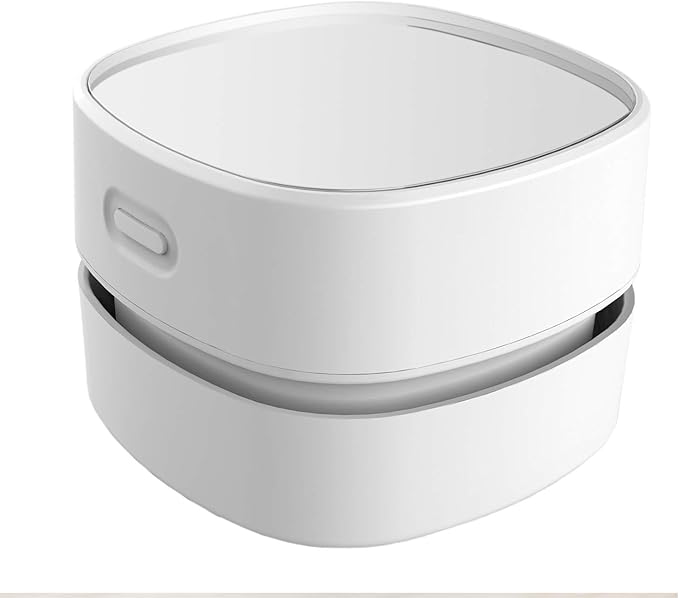
At $13, there is almost no decision to make. If you eat at your desk, have a dusty environment, or own a mechanical keyboard you care about, this is an obvious purchase.
The honest take: It is not powerful. It will not replace a full vacuum for a deep clean. The brush attachment is useful, but the suction is limited for anything beyond light debris. Battery life is reasonable for the use case, a few minutes of cleaning at a time. You are replacing the batteries every few months with regular use.
This is not a gadget that changes your workday. It is a tool that removes a minor recurring annoyance for $13. Sometimes that is exactly what you need.
Worth it for: Everyone. Genuinely. It is $13.
| Spec | Detail |
|---|---|
| Price | $13 |
| Power | 2 AA batteries (included) |
| Attachments | Rotating brush + crevice tool |
| Noise level | Quiet |
| Best use | Keyboards, desk surfaces, light debris |
5. Speks Mini Magnet Balls — $35
The problem it solves: The restless hands problem.
If you have ever caught yourself clicking a pen, folding a piece of paper into sixteen sections, or spinning a coin during a long call this is for you.
Speks are 512 tiny rare-earth magnet balls, each about 2.5mm in diameter. They can be arranged into almost any shape, pulled apart, rolled in your hand, and generally manipulated endlessly. The tactile experience is distinct from most fidget toys, satisfying in a way that is hard to describe until you have one in your hand.
The research case for fidget tools is real, if modest. A 2015 study published in Psychological Science found that allowing doodling and fidgeting during tasks requiring sustained attention improved recall. More practically, most people already fidget. Speaks channel that into something more purposeful than a pen cap.

The honest take: They are tiny magnets. They will end up everywhere on your desk if you are not careful. They are absolutely not safe around young children or pets. And there is a real risk of losing several when a ball scatters. The $35 price is fair for the quantity and quality.
The Speks are not a productivity tool in any measurable sense. They are the item on this list that is most clearly about making the workday more tolerable rather than more efficient, and that is a legitimate category.
Worth it for: People who fidget, anyone on long audio calls where hands are free, desk workers who need a mental break mechanism that does not require opening a new browser tab.
| Spec | Detail |
|---|---|
| Price | $35 |
| Quantity | 512 magnetic balls |
| Size | 2.5mm each |
| Safety | Not safe for children under 14 or pets |
| Colors | Multiple options available |
Frequently Asked Questions
What are the best desk gadgets for working from home?
The most universally useful desk gadgets for remote workers are a smart mug like the Ember Mug 2 for maintaining drink temperature, a desktop vacuum like the Odistar for keyboard maintenance, and a voice assistant like the Amazon Echo Dot for hands-free reminders and timers. All three address specific daily friction points without taking up significant desk space.
Is the Ember Mug 2 worth $150?
For anyone who drinks hot coffee or tea at their desk regularly and frequently finds their drink has gone cold, yes. The Ember Mug 2 maintains temperature for up to 90 minutes on battery and indefinitely on its charging coaster. The cost is high for a mug, but the time saved reheating drinks across a year adds up to several hours.
Are Govee Hexa Light Panels worth buying?
For content creators, streamers, and people on frequent video calls who want to improve their background lighting, yes. For people working in well-lit offices who do not appear on camera regularly, the $189.99 price is harder to justify for what is primarily a decorative product.
Are Speks magnetic balls safe?
Speks are not safe for children under 14 or pets. The tiny rare-earth magnets can cause serious internal injuries if swallowed. For adults using them as intended, desk fidget tool they are safe. Keep them away from credit cards and other magnetic-sensitive items.
What is the cheapest useful desk gadget?
The Odistar Desktop Vacuum at $13 is the most practically useful low-cost desk gadget. It removes crumbs and debris from keyboards and desk surfaces, runs on AA batteries, and is compact enough to store in a desk drawer. At $13, there is almost no threshold to clear for it to be worth buying.